
Install Rendre App
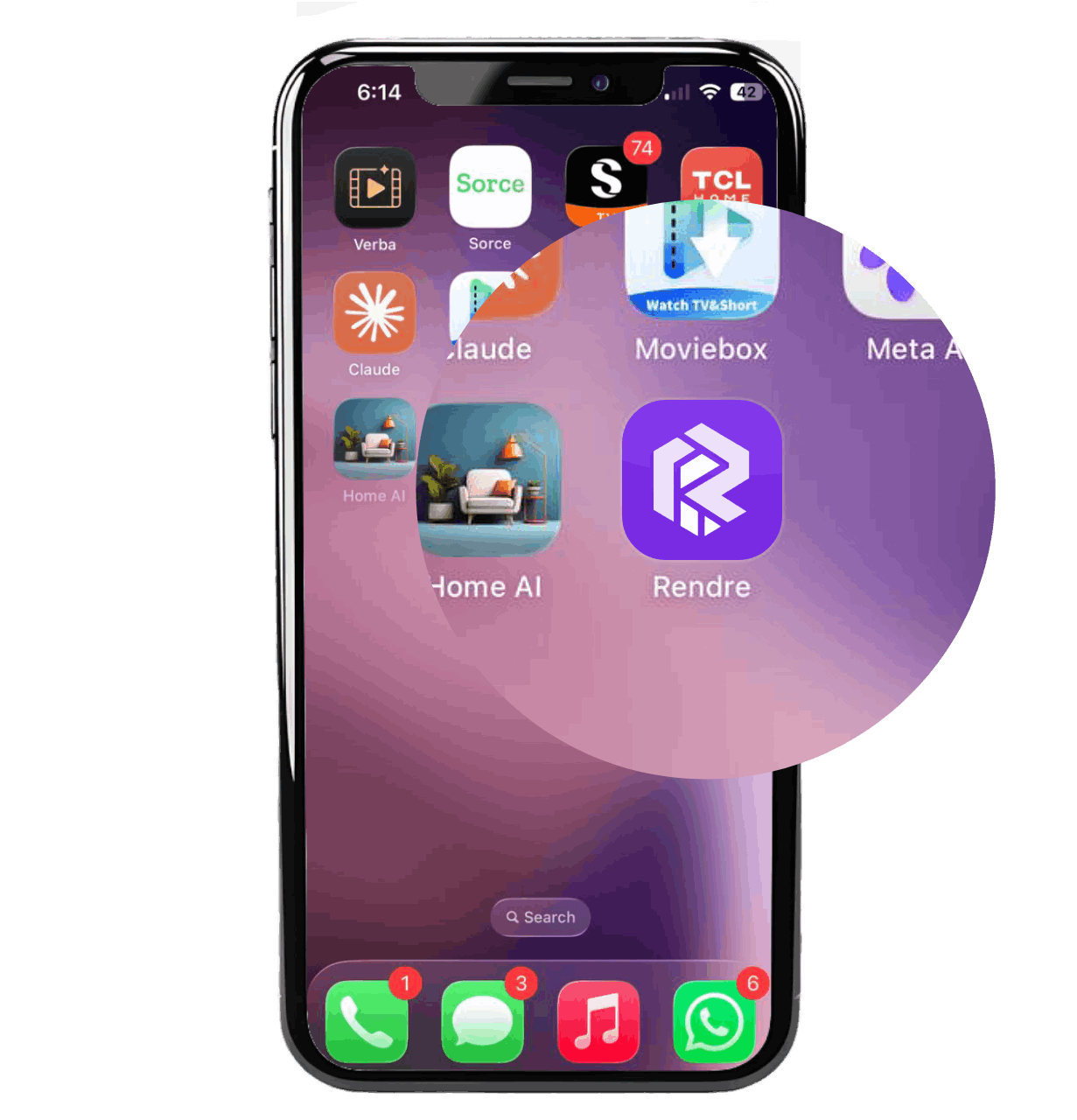
Add Rendre to your home screen for a faster, app experience on your mobile or tablet.
1
Open Safari
Launch the Safari browser on your iPhone or iPad and navigate to rendre.app
2
Tap the Share Icon
Look for the share button (square with an upward arrow) at the bottom center of your screen.
3
Add to Home Screen
Look for 'Add to Home Screen' in the menu and tap it.
4
Confirm & Name
Give it a name (like 'Rendre') and tap 'Add' in the top right corner.